6.8. Mobile support extension
Starting from version 1.6.0, the 3DCityDB-Web-Map-Client is equipped
with an extension that provides better support for mobile devices. The
extension comes with a built-in mobile detector, which can automatically
detect and adjust the client’s behaviors accordingly to whether the 3D
web client is operating on a mobile device. The extension has been
tested on several smartphones and tablets running Android and iOS.
Some of the most important mobile features enabled by this extension are listed as follows:
6.8.1. A more lightweight graphical user interface
In order to make the best use of the limited screen real-estate available on mobile devices, some elements are removed or hidden from the web client, such as credit texts and logos, as well as some of Cesium’s built-in navigation controls that can easily be manipulated using touch gestures (see Fig. 6.27).
The main toolbox now scales to fit to the screen size. In case of excess lines/length, the toolbox becomes scrollable (see Fig. 6.28).
The infobox displayed when a city object (e.g. building) is clicked is now displayed in fullscreen with scrollable contents, as illustrated in Fig. 6.29 below.
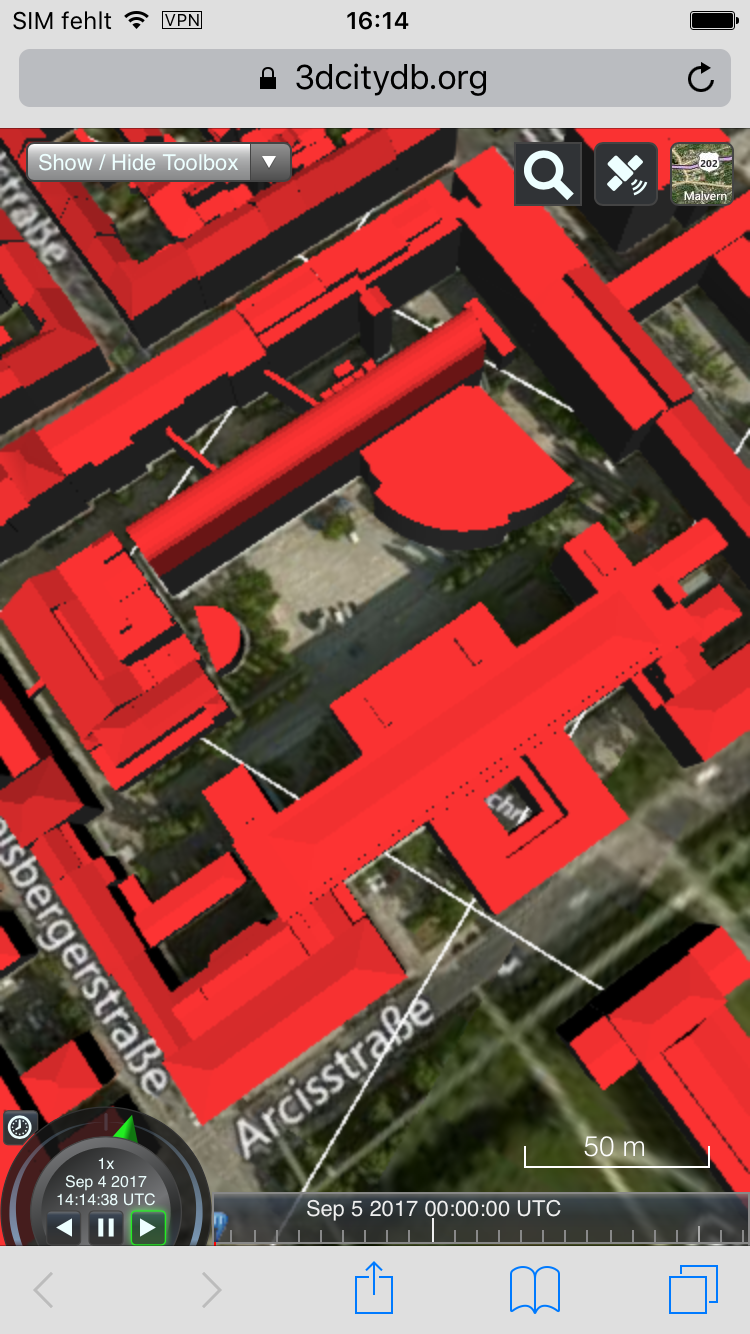
Fig. 6.27 The 3DCityDB Web Map Client on mobile devices
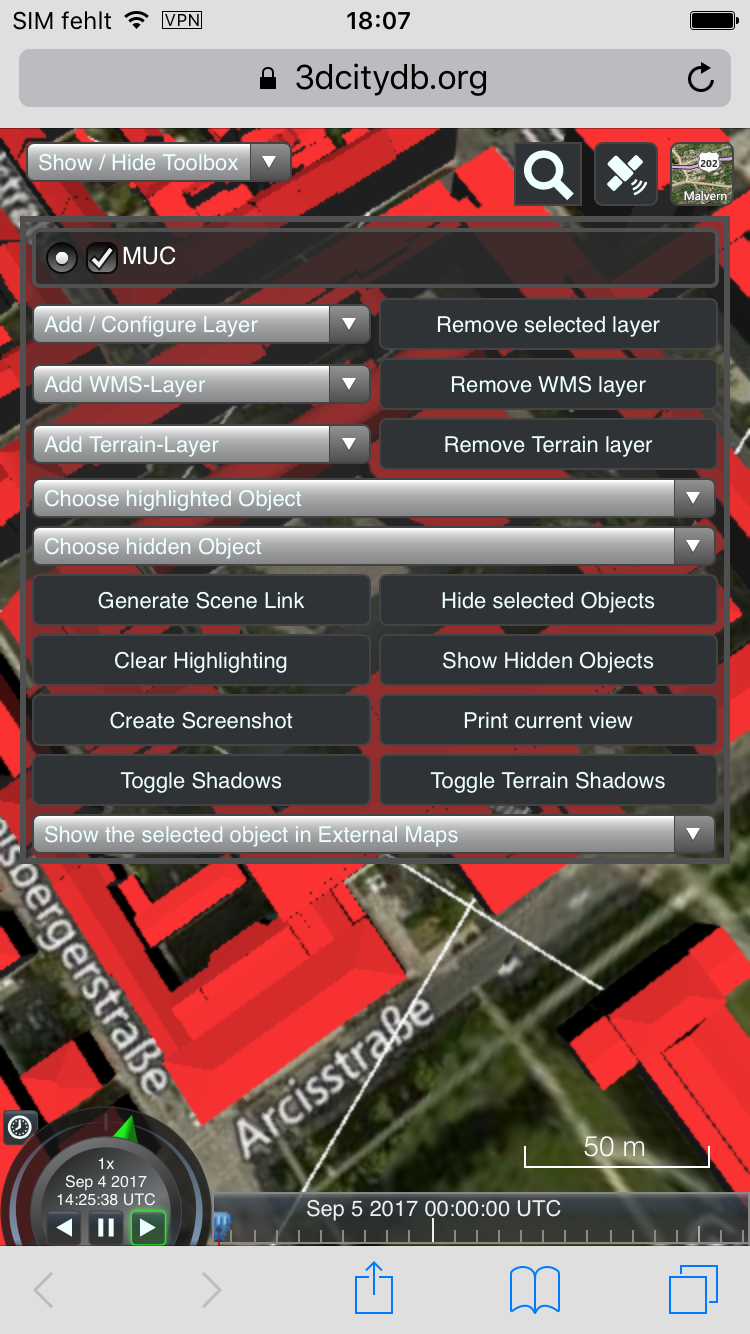
Fig. 6.28 The main toolbox on mobile devices

Fig. 6.29 The infobox on mobile devices
6.8.2. Geolocation-based features
The web client contains a new geolocation button (located on the top right corner in the view toolbar) providing new functionalities involving user’s current location and orientation. These are described as follows:
 Main geolocation button by default (before activation)
 A single “snapshot” of the device’s current position and orientation
 Live-tracking of the device’s orientation with fixed position
 Live-tracking of the device’s orientation and position (first-person view)
 Option to disable the live-tracking functions / first-person view
Note
The mobile extension makes use of the Geolocation API and the DeviceOrientation API in HTML5. The Geolocation API only works via HTTPS since Google Chrome 50. Therefore, make sure the client is called from a secured page (via SSL/HTTPS). Additionally, permission to retrieve current orientation and location must be granted by the user.